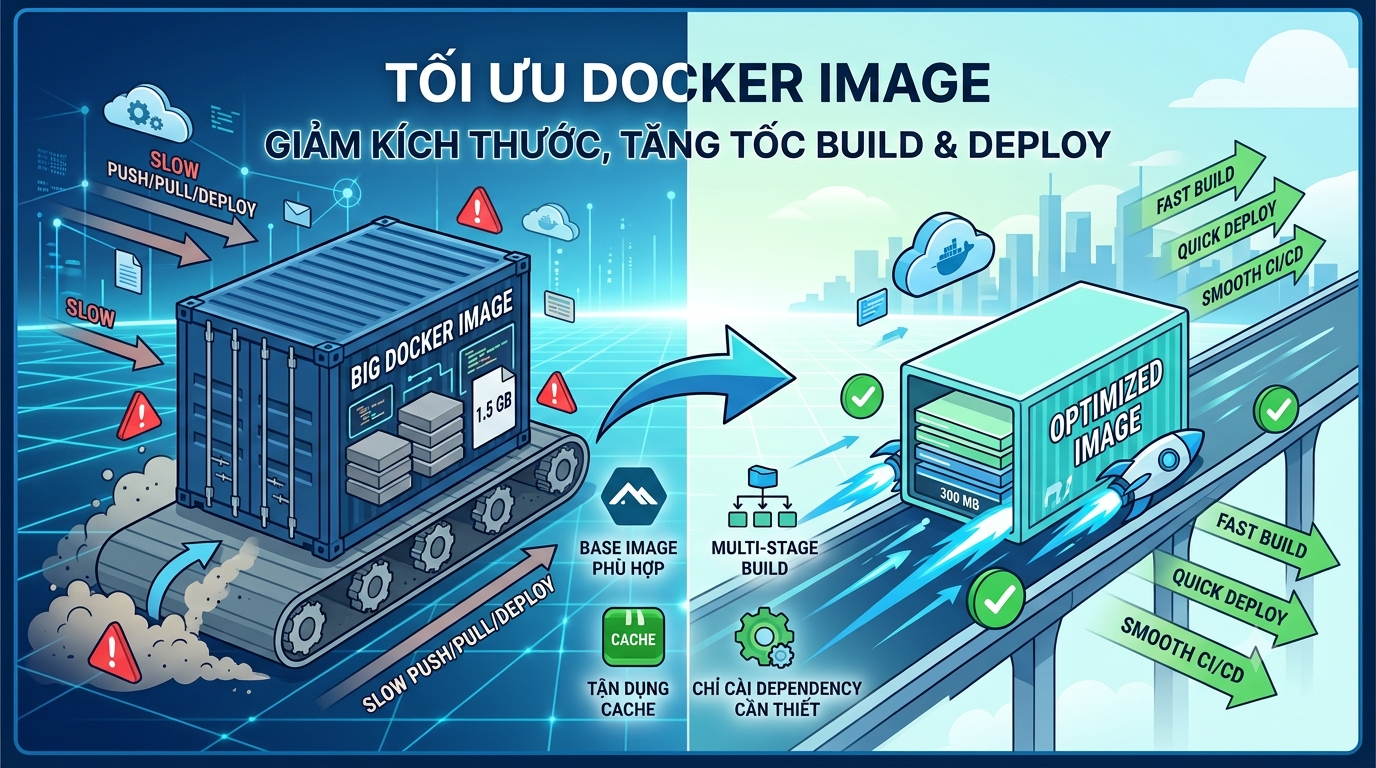
Optimizing Docker Images: Reduce Size, Speed Up Build and Deploy
Docker helps us package applications along with all the necessary environments to run them. However, if a Docker Image is too large, the process of Building, Pushing, Pulling, and Deploying becomes slower and consumes more resources.
In this article, we will explore key techniques to optimize Docker Images, reduce image size, and improve deployment performance.
1. Why Optimize Docker Images?
A large Docker Image can cause several issues:
- Long Build times.
- Slow Push and Pull operations.
- High storage consumption on Docker Registry.
- High bandwidth consumption during Deployment.
- Longer deployment times.
- May contain unnecessary packages, increasing security risks.
For example, if an Image is 1.5GB but reduced to 300MB after optimization, the speed of Push, Pull, and Deploy can be significantly improved.
2. Choose the Right Base Image
The Base Image is the foundation for building your Docker Image and heavily impacts the final image size.
Example:
FROM ubuntu:24.04
If the application only needs PHP, we can use the PHP image directly:
FROM php:8.4-fpm
In some cases, Alpine can be used:
FROM php:8.4-fpm-alpine
Alpine is usually significantly smaller. However, not all applications are suitable for Alpine because some packages or extensions may require extra configurations.
3. Use Multi-stage Builds
Multi-stage Build is one of the most important techniques for reducing Docker Image size.
For example, when building a Frontend application, we need Node.js and many Development packages during the Build process. However, Production only needs the built static files.
FROM node:24 AS builder WORKDIR /app COPY package*.json ./ RUN npm ci COPY . . RUN npm run build
FROM nginx:alpine COPY --from=builder /app/dist /usr/share/nginx/html
In the example above, Node.js and all build-related packages are not included in the Production Image.
As a result, the Production Image is much smaller than using a single-stage image.
4. Use .dockerignore
When using:
COPY . .
Docker pulls data from the Build Context. Without a .dockerignore file, many unnecessary files might be included in the build process.
Example .dockerignore file:
.git node_modules vendor .env .idea .vscode storage/logs *.log
Using .dockerignore reduces Build Context size, speeds up the build process, and prevents unnecessary data from entering the Image.
5. Leverage Docker Cache
Docker has a Layer Cache mechanism that reuses unchanged build steps.
For example with Node.js, instead of:
COPY . . RUN npm install
You should separate dependencies first:
COPY package.json package-lock.json ./ RUN npm ci COPY . .
When source code changes but dependency files stay the same, Docker reuses the cached layer.
This significantly reduces build time.
6. Minimize the Number of Layers
Every RUN, COPY, or ADD instruction creates a layer.
Instead of:
RUN apt update RUN apt install -y curl RUN apt clean
Combine them into one:
RUN apt update &&
apt install -y curl &&
apt clean &&
rm -rf /var/lib/apt/lists/*
This provides better control over layers and eliminates unnecessary cache.
7. Install Only Necessary Dependencies
Production Images should not contain packages meant only for Development.
Example for Laravel:
composer install --no-dev --prefer-dist --optimize-autoloader
For Node.js:
npm ci --omit=dev
Removing Development Dependencies keeps the image smaller and reduces the surface area for security audits.
8. Clean Up Cache After Installing Packages
Package managers often generate temporary cache during installation.
Example with Alpine:
RUN apk add --no-cache nginx
With Debian/Ubuntu:
RUN apt update &&
apt install -y curl &&
rm -rf /var/lib/apt/lists/*
Cleaning up cache helps minimize the final Image size.
9. Inspect Your Docker Image
After building, check the image size using:
docker images
To view the layers:
docker history image_name
Additionally, tools like Dive, Trivy, or Docker Scout can be used to analyze layers and scan for security vulnerabilities.
10. Docker Image Optimization Checklist
- Choose an appropriate Base Image.
- Use Multi-stage Builds.
- Create a .dockerignore file.
- Leverage Docker Cache.
- Avoid installing unnecessary packages.
- Remove package manager cache.
- Install Production Dependencies only.
- Inspect layer sizes.
- Scan Image for security vulnerabilities.
Conclusion
Optimizing Docker Images not only saves storage space but also significantly improves Build, Push, Pull, and Deploy speeds.
For projects using CI/CD or Microservices, keeping Docker Images small and optimized saves time, resources, and operating costs.
In practice, simply mastering Multi-stage Builds, .dockerignore, Docker Cache, and selecting the right Base Image can dramatically decrease your Docker Image size.