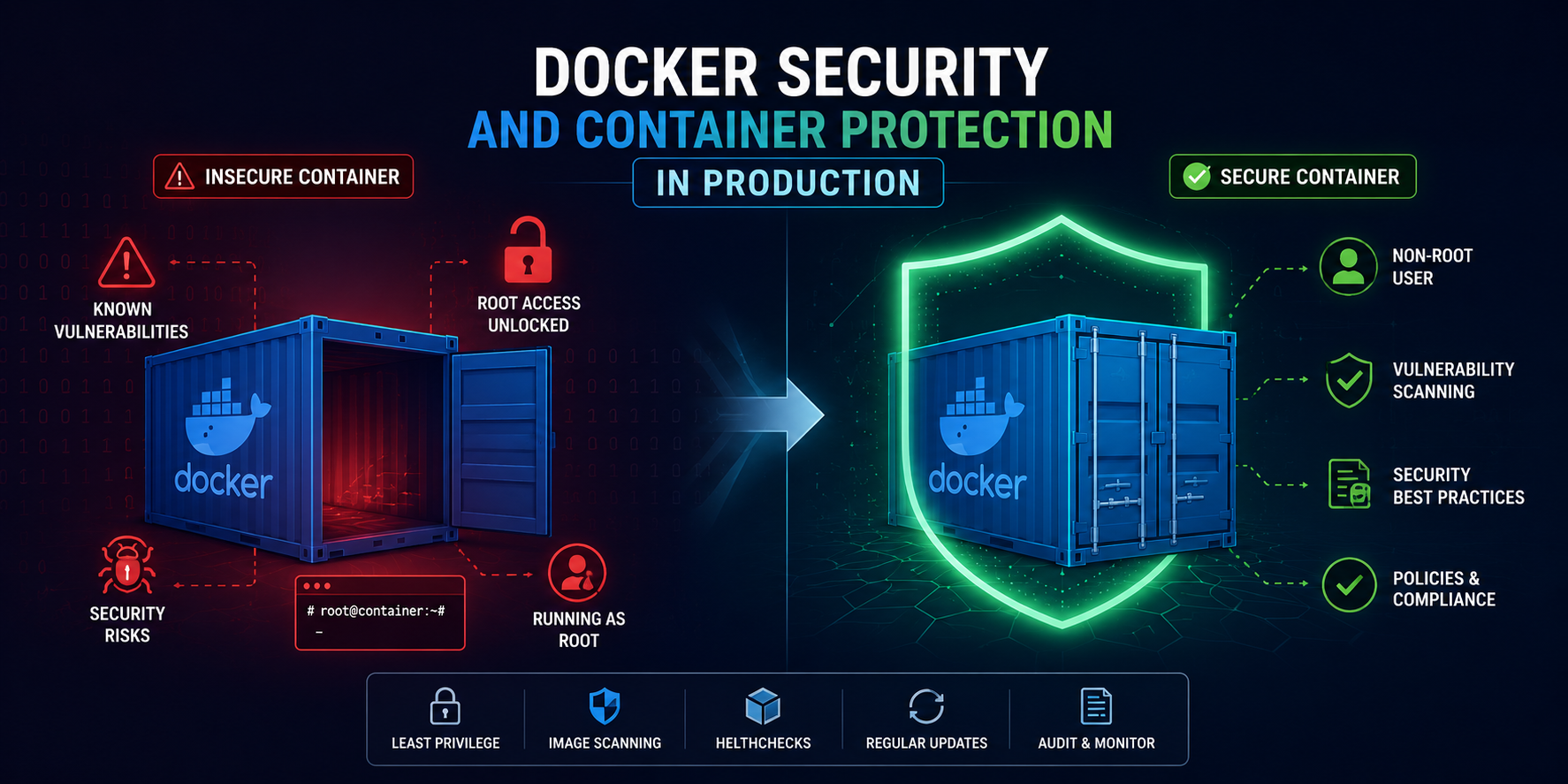
Docker Security: 8 Golden Rules to Secure Containers in Production
During application development, Docker simplifies packaging and deployment. However, pushing Docker Containers to Production without security configurations can make your system an easy target for attackers.
In this article, we will explore 8 critical rules to enhance Docker Container security and protect your data in Production.
1. Never Run Containers as Root
By default, Docker runs containers with root privileges unless specified otherwise. If an attacker gains control of the application inside the container, they can exploit vulnerabilities to gain root access to the Host machine.
Fix in Dockerfile:
FROM node:24-alpine WORKDIR /app COPY . . RUN addgroup -S appgroup && adduser -S appuser -G appgroup USER appuser CMD ["node", "server.js"]
Restricting permissions reduces the risk if a container is compromised.
2. Scan Images for Vulnerabilities
Base Images on Docker Hub may contain outdated packages with known Common Vulnerabilities and Exposures (CVEs).
To fix this, scan your Image before pushing to a Registry:
trivy image my-app:latest
Besides Trivy, you can use other tools like Grype or built-in Docker Scout to proactively detect vulnerabilities.
3. Use Only Trusted Base Images
Downloading and using Base Images of unknown origin on Docker Hub poses risks of containing malware or pre-installed backdoors.
Solution:
- Choose only Official Images or Verified Publishers.
- Prefer minimal Images like alpine, distroless, or slim versions to reduce the attack surface.
4. Manage Secrets Securely
Never hardcode sensitive information like Database Passwords or API Keys into Dockerfiles or .env files and push them to Git repositories.
Instead of using the ENV instruction to store sensitive data in the Image, adopt dedicated Secret management solutions:
- Use Docker Secrets or Kubernetes Secrets.
- Use centralized tools like HashiCorp Vault or AWS Secrets Manager.
5. Set System Resource Limits
A container with an infinite loop bug or under a DDoS attack can consume all CPU and RAM on the host server, causing neighboring services to crash.
You can limit resources using the docker run command:
docker run -d --memory="512m" --cpus="1.5" my-app:latest
Or configure it directly in docker-compose.yml:
services: web: image: my-app:latest deploy: resources: limits: cpus: '1.5' memory: 512M
6. Set File System to Read-Only
Most application containers do not need to write data directly to the internal file system, except for temporary or log directories.
Running the container in read-only mode prevents attackers from injecting malware into the file system:
docker run -d --read-only --tmpfs /tmp my-app:latest
The command above runs the container in Read-Only mode while allowing temporary data writes to /tmp in RAM.
7. Secure the Docker Daemon
The Docker Daemon communicates via the Unix socket /var/run/docker.sock. If this socket is mounted inside an untrusted container, an attacker can gain full control of the host machine.
Important notes:
- Never mount /var/run/docker.sock into containers unless absolutely necessary.
- If managing Docker remotely over the network, always enable TLS authentication (Docker HTTPS socket).
8. Regularly Update Docker and Base Images
New vulnerabilities are discovered every day. Keeping Docker Engine and Base Images up to date is the most effective defense mechanism.
Set up CI/CD pipelines to automatically rebuild Images periodically to continuously incorporate the latest security patches from providers.
9. Docker Security Checklist
- Switched to a Non-root user (USER appuser).
- Scanned vulnerabilities using Trivy or Docker Scout.
- Completely removed Secrets and API Keys from Dockerfile.
- Configured CPU and Memory limits.
- Enabled Read-Only File System where possible.
- Avoided sharing the Docker Socket (/var/run/docker.sock).
- Regularly updated Base Images.
Conclusion
Docker security is a continuous process that requires attention from writing Dockerfiles to running in Production.
Applying best practices such as running as a non-root user, limiting resources, managing secrets securely, and conducting regular vulnerability scans will ensure your system runs stably, securely, and minimizes the risk of data leaks.