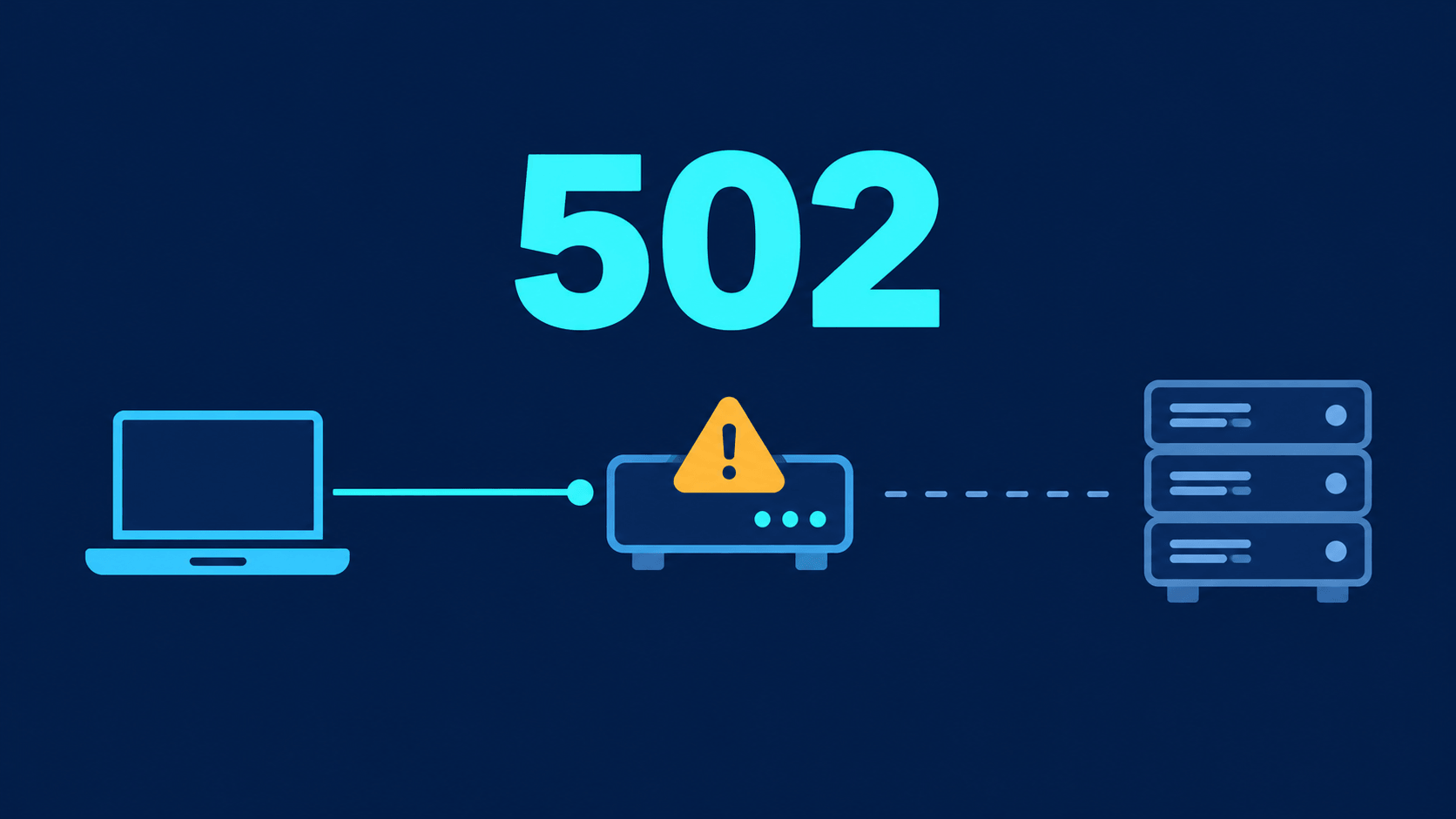
You call an API and get back a 502. The frontend code looks right, retrying still fails, and you start doubting everything. The number was actually telling you where the problem is, if you know how to read it.
What an HTTP Status Code Is
Every time a browser or app sends a request to a server, the server replies with a three-digit status code along with the response. The code tells you the outcome: success, redirect, client error, or server error. It doesn’t replace the response body, but it’s the first line you should check when something goes wrong.
These codes are standardized in RFC 9110, and each has a fixed meaning. That lets every tool, from browsers to proxies to HTTP libraries, interpret them the same way.
Five Classes and Who Is Responsible
The first digit tells you the class:
| Class | Meaning | Usually belongs to |
|---|---|---|
| 1xx | Informational, request still in progress | Rarely seen in everyday development |
| 2xx | Success | No error |
| 3xx | Redirection | URL configuration, worth checking |
| 4xx | Client error | The request sent was wrong or unauthorized |
| 5xx | Server error | The server, gateway, or a downstream service is failing |
The simplest rule: 4xx usually means the caller needs to fix the request, while 5xx usually means the receiving side needs to check its systems.
Codes You See Every Day
200 (OK) means the request succeeded and the response has content. 201 (Created) means a new resource was created, common when an API adds data.
301 and 302 send the browser to another URL. 301 is permanent, 302 is temporary. Wrong redirects are a common cause of trouble after a website changes its URL structure.
400 (Bad Request) means the server couldn’t understand the request, often because of malformed JSON or missing parameters. 401 (Unauthorized) means authentication is missing, such as not logged in or an expired token. 403 (Forbidden) means you’re authenticated but don’t have permission. Mixing up 401 and 403 is very common, so it’s worth remembering the difference.
404 (Not Found) means no resource exists at that address. For APIs, it usually means a record wasn’t found, though not always.
500 (Internal Server Error) means the server hit an unexpected failure, often an unhandled exception. 502 (Bad Gateway) means a gateway or proxy received an invalid response from the server behind it. 503 (Service Unavailable) means the server temporarily can’t handle requests, usually because of overload or maintenance. 504 (Gateway Timeout) means the gateway waited too long for the upstream server and got no response.
Narrowing Down a Problem With the Status Code
When something breaks, start with the code. For 4xx, check the request itself: URL, method, headers, body, and token. For 5xx, find out whether the server, the gateway, or a downstream service is failing by checking logs and the status of each component. For 502, 503, and 504, the request path is usually longer than it looks, so you need to inspect each hop.
One caveat: not every API returns the right code. Some business errors still return 200 with an error field in the body. Treat the status code as a starting point, not a final verdict, and always check the response body and logs.
You don’t need to memorize hundreds of codes. Remember the classes, a handful of common codes, and ask first which side the error belongs to. That alone saves a lot of debugging time.