1. What Is a MySQL View?
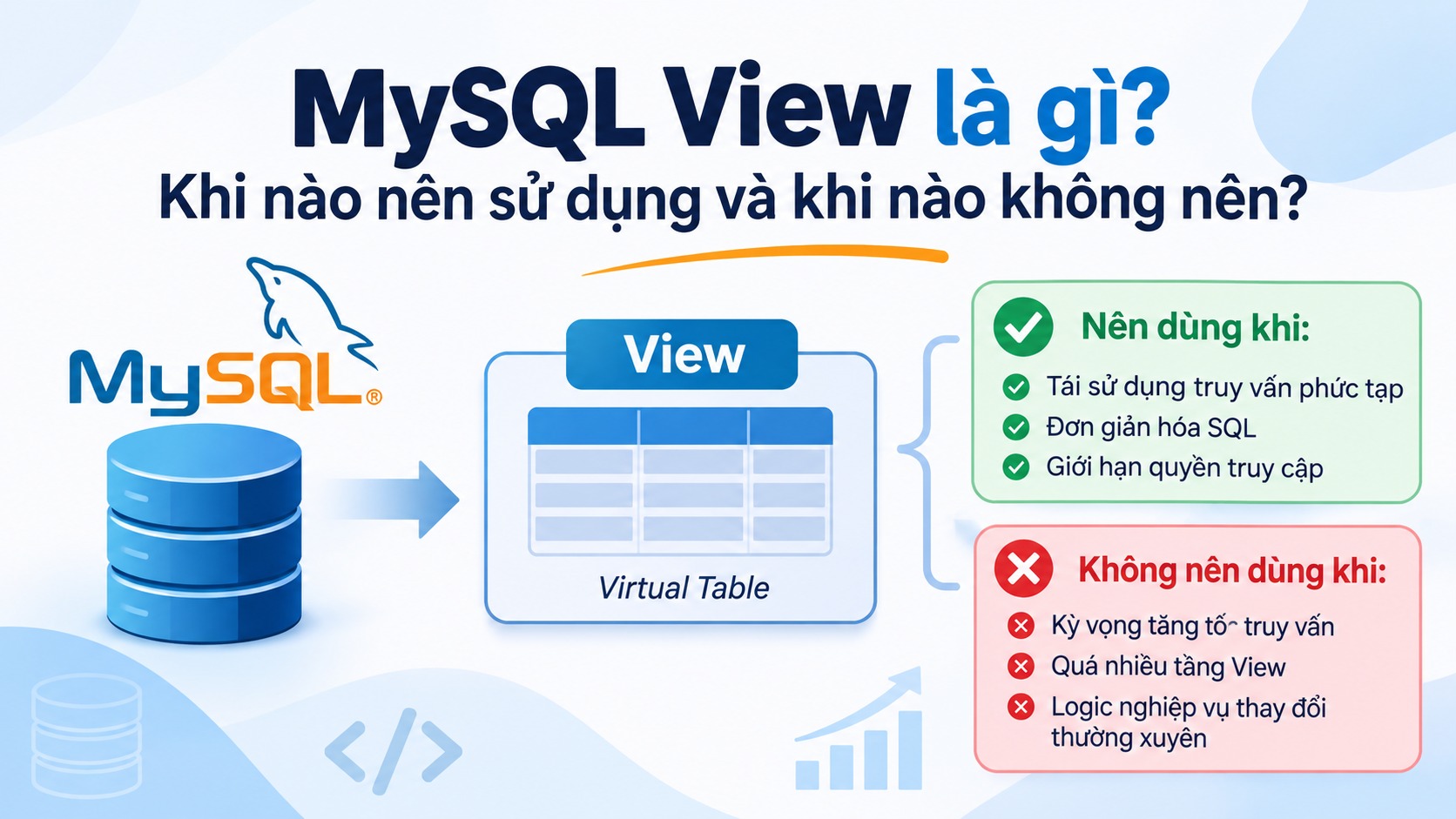
A MySQL View is a virtual table created from a SELECT statement.
Instead of writing the same complex SQL query repeatedly, you can create a View and use it like a regular table when retrieving data.
For example:
CREATE VIEW active_users AS
SELECT id, name, email
FROM users
WHERE status = 1;
Once the View is created, you can query it as follows:
SELECT * FROM active_users;
Note: A regular View does not store its own data. When you query a View, MySQL executes the query defined inside it.
2. When Should You Use a View?
2.1. Reusing Complex Queries
When a query contains multiple JOINs, WHERE conditions, or GROUP BY clauses and is used in several places, a View can help improve query reusability.
Instead of writing the entire SQL statement repeatedly, you can simply query the View.
2.2. Simplifying Data Retrieval
Imagine a system with the following tables:
ordersusersorder_items
If you frequently need to retrieve order information, customer names, and order totals, you can create a View to simplify these queries.
2.3. Restricting Data Access
A View can expose only the columns that users need.
This helps limit access to sensitive information without granting direct access to the entire underlying table.
For example:
CREATE VIEW public_users AS
SELECT id, name
FROM users;
Users with permission to access this View can retrieve IDs and names without accessing all columns in the users table.
3. When Should You Avoid Using a View?
3.1. When You Expect a View to Improve Query Performance
This is a common misconception.
A regular View does not automatically cache query results or store precomputed data.
MySQL still needs to process the query defined inside the View. Therefore, if the original query is slow, wrapping it in a View will not automatically make it faster.
3.2. When Using Too Many Nested Views
For example:
- View A references View B.
- View B references View C.
- View C joins multiple tables.
Too many nested Views can make SQL structures difficult to understand, maintain, and optimize.
They can also make performance issues harder to investigate.
3.3. When Business Logic Changes Frequently
If a View contains complex business rules that change frequently, maintaining those rules inside the database can become difficult.
In such cases, consider handling the logic in the application's Service or Repository layer instead.
4. View vs. Summary Table
A View and a Summary Table serve different purposes.
| Criteria | View | Summary Table |
|---|---|---|
| Stores independent data | No | Yes |
| Calculates data when queried | Usually | Can use precomputed data |
| Read performance | Depends on the underlying query | Can be faster |
| Data updates | Reflects source data | Requires an update mechanism |
| Typical use cases | Query reuse | Large-scale reporting and aggregation |
If your system frequently generates reports involving millions of records, a Summary Table may be a more suitable solution.
5. Using Views in Laravel
In Laravel, you can query a View in the same way you query a regular database table.
For example:
$users = DB::table('active_users')->get();
You can also create an Eloquent Model for the View:
class ActiveUser extends Model
{
    protected $table = 'active_users';

    public $timestamps = false;
}
However, Views are generally more suitable for read operations. Do not assume that every View supports INSERT, UPDATE, or DELETE operations.
6. Conclusion
MySQL Views are useful for reusing SQL queries, simplifying data retrieval, and controlling data access.
However, a View is not a built-in performance optimization mechanism.
Before using one, clearly identify your requirements:
- Need to reuse queries? Consider using a View.
- Want to simplify SQL statements? Consider using a View.
- Need faster aggregation on large datasets? Consider using a Summary Table.
- Have business logic that changes frequently? Consider handling it in the application layer.
The key principle is simple: Do not use Views just to make your architecture look cleaner.
Use them when they provide real benefits in terms of readability, maintainability, and the actual requirements of your system.