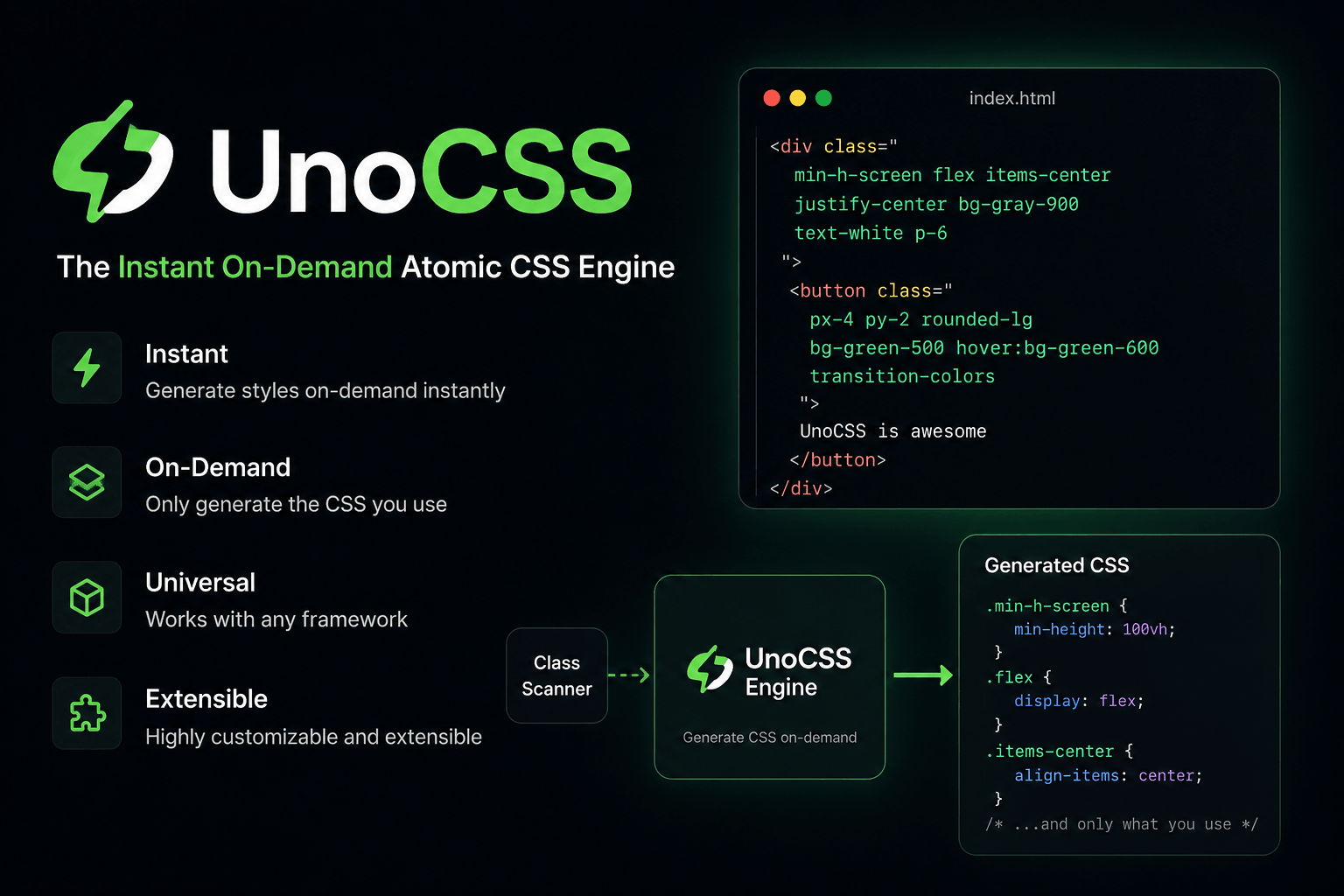
When building modern web interfaces, writing CSS by hand has become increasingly time-consuming and hard to maintain. Frameworks like Tailwind CSS changed the way we build UI with the Utility-first CSS model. However, if you want a lighter, faster solution with nearly unlimited customization, UnoCSS is a name well worth exploring. In this article, we'll look at what UnoCSS is, how it works, its standout advantages, and when to choose UnoCSS over traditional CSS solutions.
What is UnoCSS?
UnoCSS is an Atomic CSS Engine created by Anthony Fu. Unlike traditional CSS frameworks, UnoCSS doesn't ship with a fixed set of utilities. Instead, it generates CSS on-demand by analyzing the classes used in your source code. This means that instead of generating tens of thousands of classes upfront, UnoCSS only creates the exact CSS rules your application actually uses. For example:
<button class="bg-blue-500 text-white px-4 py-2 rounded-lg">Save</button>
UnoCSS will only generate CSS for: bg-blue-500, text-white, px-4, py-2, rounded-lg. Any utilities that aren't used won't appear in the final CSS file.
How does UnoCSS work?
Unlike many traditional CSS frameworks, UnoCSS operates as an engine. The basic process consists of four steps:
- Scan the source code to find the classes being used.
- Analyze each class against the configured presets and rules.
- Generate the corresponding CSS.
- Strip out any unnecessary CSS.
Thanks to this approach, the resulting CSS file is usually very small and build speed improves significantly.
Standout features of UnoCSS
1. Very high performance
UnoCSS is built with speed as its core goal. In large projects with thousands of components, scanning and generating CSS is typically much faster than traditional utility-first tools. This shortens project startup time and speeds up development.
2. On-demand CSS generation
UnoCSS only generates CSS for classes that actually appear in your source code. For example, if you only use around 200 utility classes, the final CSS file will contain roughly 200 corresponding rules. The result: a smaller CSS bundle, faster page loads, and less unused CSS.
3. Powerful customization
One of the most appealing aspects of UnoCSS is its extensibility. You can create new utility classes, define shortcuts, write your own presets, generate CSS using regular expressions (Dynamic Rules), and create custom variants. For example:
shortcuts: { btn: "px-4 py-2 rounded bg-blue-500 text-white hover:bg-blue-600" }
Then simply use:
<button class="btn">Save</button>
Shortcuts let you reuse groups of utilities while keeping flexibility.
4. Support for many frameworks
UnoCSS isn't just for Vue — it also works well with React, Vue, Svelte, SolidJS, Astro, Vite, Nuxt, Next.js, and Qwik. Thanks to its integration with Vite and other popular build tools, adding UnoCSS to a project usually takes just a few minutes.
5. Flexible presets
UnoCSS offers many official presets to suit different project needs. Some popular presets include:
- Preset Wind3/Wind4: A Tailwind CSS-compatible style that makes it easy to migrate from existing projects (this is also the successor to the former Preset Uno, which has since been merged and renamed).
- Preset Mini: Focused on small size and speed, containing only the most essential rules and variants.
- Preset Icons: Lets you use thousands of icons from many icon sets (via Iconify) with just a class.
For example:
<div class="i-mdi-content-save"></div>
UnoCSS will automatically generate the CSS to display the corresponding icon without needing to install individual SVG files.
UnoCSS vs Tailwind CSS
| Criteria | UnoCSS | Tailwind CSS |
|---|---|---|
| How it works | CSS Engine | CSS Framework |
| CSS generation | On-demand | On-demand (JIT) |
| Customization | Very high | High |
| Build speed | Very fast | Fast |
| Shortcuts | Yes | Components or plugins |
| Dynamic Rules | Yes | More limited |
| Presets | Yes | Theme & Plugins |
Tailwind CSS stands out for its large ecosystem, rich documentation, and large community. UnoCSS, on the other hand, focuses on flexibility, speed, and extensibility, making it a good fit for teams that want deeper control over how CSS is generated.
When should you use UnoCSS?
UnoCSS is a good fit if you want to optimize CSS size, are using Vite or other modern build tools, need to create many custom utility classes, want fast build times in large projects, or love the Utility-first model but want more flexibility than Tailwind CSS offers. On the other hand, if your project needs a rich plugin ecosystem or your team is already used to Tailwind CSS, sticking with Tailwind is also a reasonable choice.
Some notable features
Besides the basic utilities, UnoCSS offers several features that boost productivity:
Variant Groups let you group utilities that share a common prefix:
<button class="hover:(bg-blue-500 text-white)">Save</button>
Attributify Mode lets you write utilities as HTML attributes:
<button bg="blue-500" text="white" p="x-4 y-2" rounded="lg">Save</button>
Arbitrary Values support any value you need:
<button class="bg-[#1da1f2] text-white p-[10px] rounded-[6px]">Save</button>
These features help keep your source code concise and easier to read in many cases.
Conclusion
UnoCSS is more than just another CSS framework — it's a powerful Atomic CSS Engine designed to deliver high performance and maximum customization. With on-demand CSS generation, fast build speed, and flexible extensibility, UnoCSS is an appealing choice for modern web projects. If you're using Vite, React, Vue, or any framework that supports a modern ecosystem, UnoCSS is a tool worth trying. Especially for projects that need optimized performance or want to build a utility system their own way, UnoCSS can deliver significant advantages over traditional solutions.