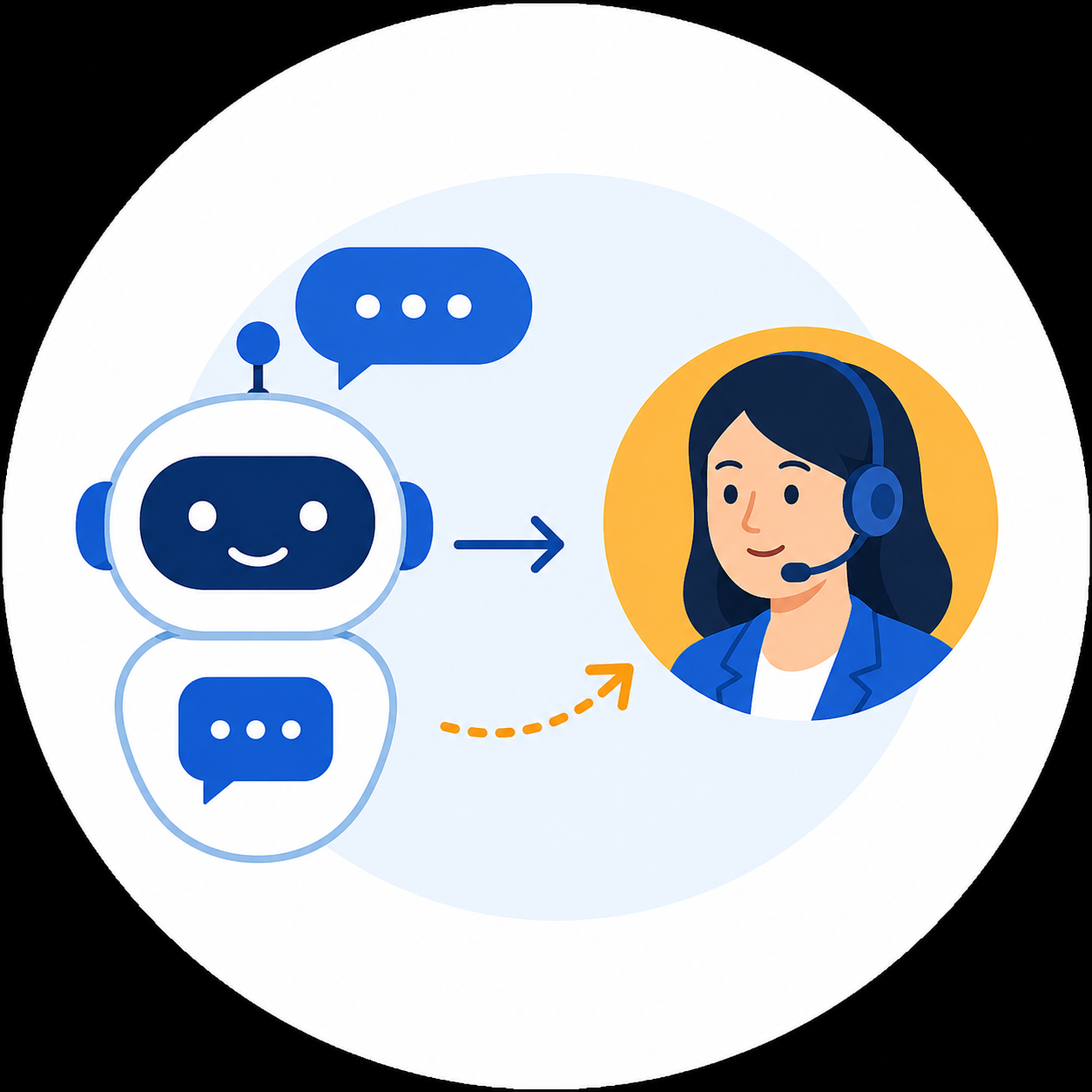
AI Customer Support Automation: When Should Chatbots Escalate to Human Agents?
Summary (Answer-first / Excerpt):
AI chatbots effectively handle routine inquiries, repetitive lookups, and structured business workflows. However, chatbots should never attempt to resolve every edge case. When AI confidence drops, context is missing, customers loop their questions, or high-risk topics arise, systems must execute a seamless human fallback with full context rather than generating evasive, repetitive answers[cite: 1].
Table of Contents
- 1. Why Smarter AI Chatbots Demand Human Fallback
- 2. What is Human Fallback in AI Customer Support?
- 3. When Should Chatbots Escalate to Human Agents?
- 4. Should You Rely Solely on Confidence Scores for Escalation?
- 5. The 5-Layer Human Fallback Architecture Framework
- 6. Customer De-escalation Scripts for AI Edge Cases
- 7. Handling AI Outages and System Downtime
- 8. What Information Must Human Agents Receive Post-Handoff?
- 9. Common Pitfalls When Implementing Human Fallback
- 10. When Should You Avoid AI Automation Entirely?
- 11. Key Metrics to Measure Fallback Efficiency
1. Why Smarter AI Chatbots Demand Human Fallback
AI is integrating into customer service at an unprecedented rate. According to Salesforce research, surveyed service teams estimate AI currently handles roughly 30% of cases, a figure expected to rise to 50% by 2027. Salesforce emphasizes that human agents remain vital for resolving complex, high-risk inquiries and building customer trust.
This shift fundamentally alters chatbot architecture. The goal is no longer:
"How do we make AI answer 100% of questions?"
The realistic objective is:
"How does AI determine when to proceed and when to hand control over to humans?"
A basic chatbot handles simple queries effortlessly:
"What are your store hours?"
However, high-friction scenarios are entirely different:
"I was double-charged, but my order status still shows unpaid. I need this resolved immediately."
This issue could stem from payment gateways, database sync errors, or edge cases missing from the internal knowledge base. If an AI forces an answer without certainty, the customer receives repetitive, unhelpful responses that escalate frustration. Human fallback is not a failure of AI—it is an architectural pillar of enterprise-grade customer support.
2. What is Human Fallback in AI Customer Support?
Human fallback is the automated or rule-based mechanism that routes a conversation from AI to a human agent when the system can no longer resolve the issue safely and accurately.
Trigger conditions commonly include:
- Missing information within the knowledge base.
- Low model confidence scores.
- Customer repeating identical queries multiple times.
- Negative sentiment or explicit user frustration.
- Direct requests for human assistance.
- Inquiries involving refunds, legal compliance, or disputes.
- Actions requiring authorization levels beyond AI toolsets.
- Backend system timeouts or API failures.
Modern platforms, such as Intercom Fin, implement multi-signal escalation rules based on user sentiment, intent classification, and conversation loops rather than single criteria. Effective fallback requires answering: When to transfer? Who receives it? What context is transferred? What is the user told? and Does the AI disengage completely after handoff?
3. When Should Chatbots Escalate to Human Agents?
Escalation policies should adapt to business operations across five primary scenarios:
| Scenario | Example Trigger | Recommended System Action |
|---|---|---|
| Information Gap | Data missing from knowledge base | Handoff to human agent |
| Conversation Loop | User repeats issue 2–3 times | Handoff to human agent |
| Negative Sentiment | "I have explained this three times already" | Handoff to human agent |
| Direct Request | "Let me speak to an agent" | Immediate direct handoff |
| High Risk | Chargeback, refund, legal dispute | Immediate direct handoff |
1. Insufficient Information
When a customer asks: "I want to switch from Premium to the Legacy tier while keeping my current billing date," and the knowledge base lacks specific billing date retention policies, the AI must not speculate. It should state: "I cannot verify this specific billing policy from current records. Let me transfer you to a specialist who can confirm this accurately."
2. Repetitive Conversation Loops
Friction occurs when customers make zero progress across multiple turns. Intercom defines an escalation loop when a user repeats information over three conversational turns without adding new parameters. Continuous repetitive suggestions (e.g., asking to reset a password repeatedly) must trigger an automatic escalation.
3. Escalating Customer Frustration
Phrases such as "I want to speak with a manager" or "This automated support is useless" indicate that the threshold for acceptable automation has passed. The AI must prioritize friction reduction over verbose policy explanations.
4. Explicit Human Requests
If a customer types "I want a human agent," the system must not introduce friction by forcing additional diagnostic questions. A direct request demands an immediate, frictionless routing.
5. High-Risk Business Operations
The NIST AI Risk Management Framework emphasizes bounding AI usage and maintaining human oversight for high-risk operations. High-risk intents include large refunds, sensitive account modifications, security compromises, and VIP customer accounts.
4. Should You Rely Solely on Confidence Scores for Escalation?
Confidence scores should not serve as the sole source of truth. Generative AI models can output hallucinated responses with high statistical confidence.
Instead of a binary threshold (e.g., Confidence < 0.80 -> Handoff), enterprise systems benefit from a composite Escalation Score:
$$\text{Escalation Score} = \text{Low Confidence} + \text{Negative Sentiment} + \text{Loop Count} + \text{High-Risk Intent} + \text{Human Request} + \text{API Errors}$$
| Detected Signal | Score Weight |
|---|---|
| Low AI Confidence | +40 |
| Negative Sentiment Detected | +20 |
| Repeated Question Loop | +20 |
| High-Risk Topic Identified | +50 |
| Explicit Request for Human | +100 |
| Backend/API Tool Error | +100 |
- Score < 30: AI resolves autonomously.
- Score 30–59: AI asks clarifying questions.
- Score 60–99: System offers optional human handoff.
- Score $\ge$ 100: System executes immediate escalation.
Note: Thresholds must be calibrated using real production interaction logs rather than static vendor presets.
5. The 5-Layer Human Fallback Architecture Framework
┌──────────────────────────────────────────────────────────────────────────┐ │ 1. DETECT: Identify confidence, sentiment, loops, and risk intents │ ├──────────────────────────────────────────────────────────────────────────┤ │ 2. DECIDE: Continue ──► Clarify ──► Offer Handoff ──► Immediate Handoff │ ├──────────────────────────────────────────────────────────────────────────┤ │ 3. PREPARE: Generate structured summary, extract entities, pack payload │ ├──────────────────────────────────────────────────────────────────────────┤ │ 4. HANDOFF: Inform user transparently, route ticket, disengage AI bot │ ├──────────────────────────────────────────────────────────────────────────┤ │ 5. LEARN: Log intent, escalation reason, CSAT, and train knowledge base │ └──────────────────────────────────────────────────────────────────────────┘
- Detect: Continuously monitor sentiment, model certainty, loop counts, and backend API health.
- Decide: Evaluate parameters to select the next state: Continue, Clarify, Offer Handoff, or Escalate.
- Prepare: Package structured context before handoff (User ID, problem summary, prior steps, API error logs).
- Handoff: Notify the customer with realistic response expectations and disengage the AI to prevent overlapping messages.
- Learn: Record escalation logs to identify documentation gaps and improve model fine-tuning.
6. Customer De-escalation Scripts for AI Edge Cases
Scenario 1: AI Uncertainty (Low Confidence)
- Avoid: "I am sorry, I do not understand your question."
- Recommended: "I cannot verify this specific detail from our documentation. To ensure accuracy, I am connecting you with a support specialist."
Scenario 2: Repeated Question Loops
- Recommended: "I recognize you have had to explain this issue multiple times. I want to save you further effort, so I am transferring our conversation history directly to an agent to continue seamlessly."
Scenario 3: High Frustration & Negative Sentiment
- Recommended: "I understand this issue is frustrating. Rather than having you repeat previous troubleshooting steps, I am transferring your ticket directly to a human specialist."
7. Handling AI Outages and System Downtime
When downstream tools, CRMs, or Vector Databases time out, the system must not attempt to mask the failure.
- Recommended Script: "Our automated service is currently experiencing technical difficulties and cannot retrieve your account details. I have logged your request and transferred your conversation to our support team for manual verification."
Rule: Never fabricate estimated resolution times (ETAs) unless backed by guaranteed Service Level Agreements (SLAs).
8. What Information Must Human Agents Receive Post-Handoff?
A complete handoff payload eliminates the need for customers to re-explain their issue:
| Data Field | Operational Purpose |
|---|---|
| Customer ID | Identifies the user profile and tier |
| Conversation Summary | Delivers a 2–3 sentence overview of the issue |
| Original Messages | Retains verbatim context for audits |
| Detected Intent | Classifies the core topic |
| Sentiment Metric | Indicates customer frustration levels |
| Actions Attempted | Prevents human agents from repeating failed troubleshooting steps |
| Backend Error Logs | Highlights specific API failures or timeouts |
| Escalation Reason | Informs the agent why the AI transferred the conversation |
9. Common Pitfalls When Implementing Human Fallback
- Relying Exclusively on Confidence Thresholds: Overlooks conversational loops and emotional escalations.
- Omitting Context During Handoff: Forces customers to repeat themselves, degrading Customer Satisfaction (CSAT).
- Over-escalating Low-Risk Cases: Premature triggers flood human support queues and reduce automation ROI.
- Under-escalating High-Risk Loops: Artificially inflating containment rates at the expense of severe customer churn.
- Allowing AI to Interject Post-Handoff: Fails to lock state machine transitions, creating conflicting message loops between bot and human.
10. When Should You Avoid AI Automation Entirely?
Per the NIST AI RMF, enterprises must maintain strict human-first workflows for:
- Legal compliance disputes and formal claims.
- High-value financial transactions and compensation approvals.
- Sensitive personal data handling and security breach reports.
- Complex contract negotiations.
- Critical enterprise system outages.
11. Key Metrics to Measure Fallback Efficiency
Avoid tracking AI Containment Rate as a solitary North Star metric. Monitor these six core indicators:
| KPI Metric | Operational Definition | Target Benchmark |
|---|---|---|
| AI Resolution Rate | Inquiries successfully resolved end-to-end by AI | Baseline target |
| Escalation Rate | Percentage of conversations requiring human transfer | Balanced range |
| Repeat Contact Rate | Users contacting support again within 24–48 hours | Lower is better |
| Handoff Completion Rate | Successful transfers reaching human queues | Approaching 100% |
| Human Rework Rate | Sessions where agents must re-ask initial questions | Must approach 0% |
| Post-Handoff CSAT | Customer satisfaction score specifically following escalation | High satisfaction |