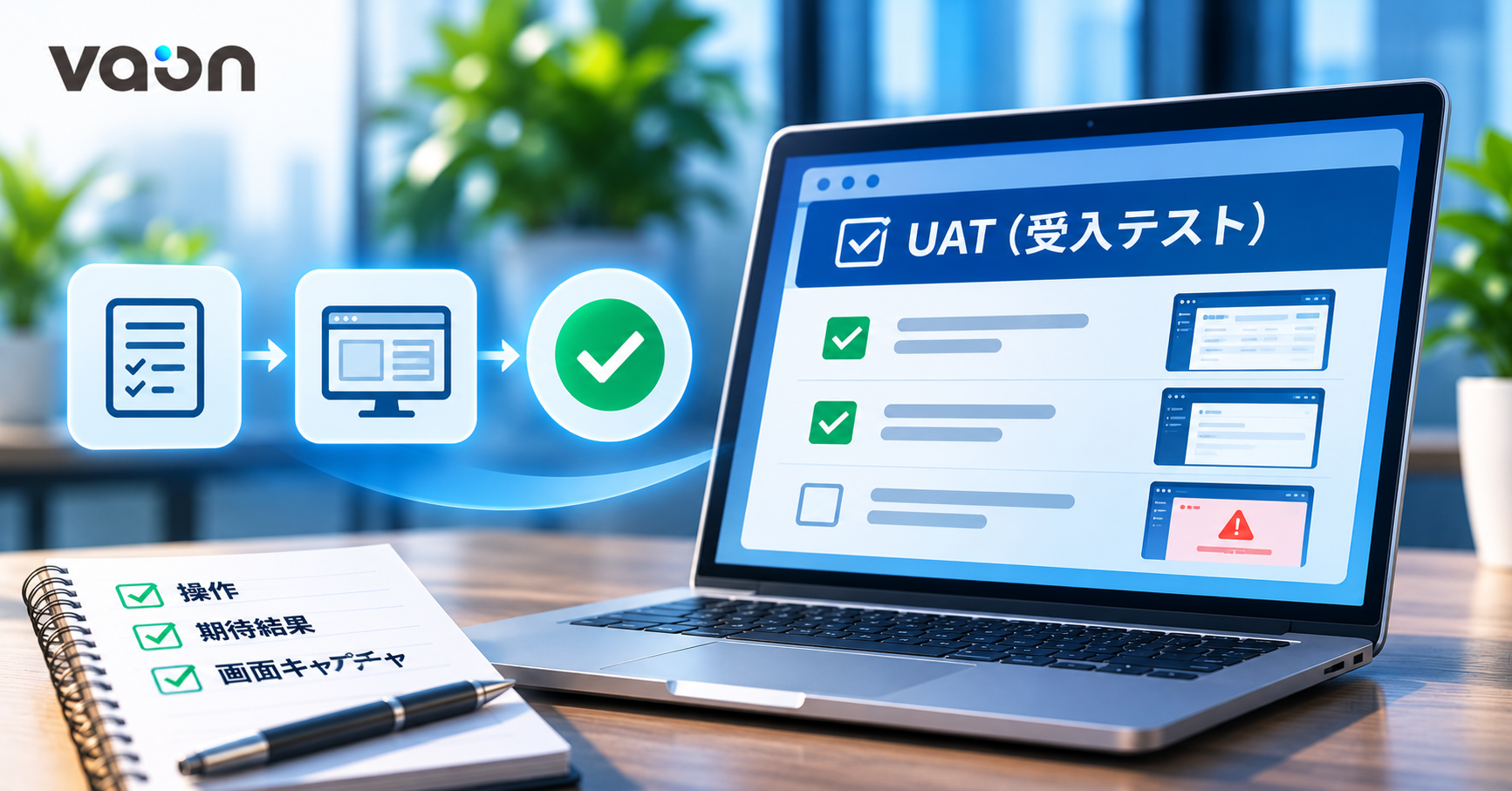
UAT Checklist Template With Screenshots: What Buyers Gain
Summary: A good user acceptance test (UAT) checklist uses the user's words. Each item has one action, one expected result and a screenshot of the actual result. At VAON, Claude drafts it from the locked requirements, an engineer edits it, and you test the right version. Screenshots make bug reports clear first time and record what was accepted.
Contents
- What is UAT, and why are automated tests not enough?
- How does the UAT checklist reach you?
- The checklist template: which columns, and what makes a good item?
- Why do screenshots protect the buyer?
- Which mistakes make a UAT checklist useless?
- When is a UAT checklist not enough?
- FAQ
1. What is UAT, and why are automated tests not enough?
User acceptance testing (UAT) is the step where people on your side use the system themselves to confirm it does what both sides agreed. Automated tests cannot replace it.
Clients ask us: "If the AI already wrote the tests, why test again?" You need UAT more, not less. Unit and e2e tests (tests that walk through a full user flow) check how the developers understood the spec. If that understanding is off, the tests are off too, and they still pass. AI also tends to write tests from the code it just wrote. How our engineers read AI-written tests is covered in AI-generated tests inside the pull request.
The person who spots the gap is someone who knows the business, clicking through real screens. The UAT checklist is step 9 of our Claude Code development workflow. VAON applies that workflow to most projects today, not yet to all.
2. How does the UAT checklist reach you?
The UAT checklist reaches you only after our engineers have tested the build, not the moment the code is written. There are six steps:
- Deploy: after the merge, CI/CD puts the new version on the test environment.
- VAON engineers test first, so obvious bugs are fixed before you spend any time.
- Claude drafts the checklist from the locked requirements document, not from the source code.
- An engineer edits it: removes developer language, adds failure cases, tags each item with a requirement ID.
- You test, write down the actual result, attach a screenshot and note the version.
- Failed items become fix tasks. After the fix, you retest that item on the new version. Old screenshots are kept.
Step 3 starts from the requirements because a checklist drafted from code only repeats the developers' reading.
We keep steps 2 and 4 even though the AI drafts everything. "Who checks the code the AI writes?" was one of the three questions clients asked VAON most in 2026. The answer is several layers of people, and the last layer is you. Every VAON project keeps review and test records you can see.
3. The checklist template: which columns, and what makes a good item?
VAON's UAT checklist has five columns: Item, Action, Expected result, Actual result, Screenshot. Above the table sit the version, the environment, the tester and the test date. The example below is an illustration for an imaginary order system, not a real project.
Version: v1.4.0 · Environment: (test URL) · Tester: (name) · Date: (test date)
| Item | Action | Expected result | Actual result | Screenshot |
|---|---|---|---|---|
| REQ-01 Create order | Fill in all fields, click "Save" | New order appears at the top of the list | (you fill in) | (attach) |
| REQ-01 Create order | Leave phone number empty, click "Save" | Error shows under the phone field, order is not saved | ||
| REQ-02 Cancel order | Select an order, click "Cancel", confirm | Order status changes to "Cancelled" | ||
| REQ-03 Permissions | Log in with a staff account | "Admin" menu is not visible |
A good item meets five conditions:
- One row, one action, one result, so a failure points to one step.
- Use the words on the screen: button and field names. No function names or database tables.
- The expected result can be checked by eye. "Processed correctly" cannot. "Status changes to Cancelled" can.
- Every requirement has at least one failure case: missing input, wrong role, cancelling halfway.
- Every item carries a requirement ID, so you can trace who checked what.
4. Why do screenshots protect the buyer?
Screenshots protect the buyer because they turn "I tested it" into a record both sides can check.
First, a bug is described correctly the first time. The engineer sees the screen you saw and does not need to ask what you clicked before. Across time zones and languages, that saves rounds of messages.
Second, the screenshots record which version was accepted, by whom and how. IT managers often must explain to management what was checked before a release. A spoken "no problems" does not do that job.
For Japanese clients, the acceptance date also matters contractually. IPA and METI published a December 2019 review of the model IT system contract. It keeps completion of acceptance (検収完了時) as the start of the vendor's liability period for non-conformity. It also asks user and vendor to work together on acceptance criteria. Thorough inspection can need more test cases than a feature list.
That is reference material, not legal advice. Each project's contract sets liability. VAON does not treat "the AI wrote it" as a reason for that to change. What the contract should say is covered in who is liable when AI-written code fails.
5. Which mistakes make a UAT checklist useless?
Most UAT checklists fail for one of five reasons. Each can be fixed before the checklist reaches the client.
| Mistake | Example (illustration) | Fix |
|---|---|---|
| Developer language | "POST /orders returns 201" | "Click Save, the new order appears in the list" |
| Success cases only | Only creating an order with every field filled | Add missing input, wrong role, cancel halfway |
| Testing the wrong version | Old environment, or the browser still shows the previous build | Version at the top, screenshots show version or timestamp |
| Vague expected result | "System works normally" | Write what is visible on screen |
| Screenshot without context | A crop of the error message only | Capture the full screen, with the screen name |
Testing the wrong version costs the most. You may report a bug fixed yesterday, or accept a build that is not going live.
6. When is a UAT checklist not enough?
A UAT checklist only covers what is written in the requirements, so it has limits:
- Business exceptions nobody wrote down never become items. Write anything odd in the Actual result column.
- Background jobs with no screen, or inputs with too many combinations, belong to automated tests.
- A screenshot records a result. It does not judge it. Someone who knows the business does.
- UAT takes your people's time. Without someone who knows the work, the checklist is just paper.
For a very small change, such as fixing a label, a few items are enough.
7. FAQ
Do I have to write the UAT checklist myself? No. On projects that follow this workflow, Claude drafts the checklist from the locked requirements and a VAON engineer edits it before sending it to you. You read it first, add missing business situations, then test item by item in the same format.
How long does acceptance testing usually take? It depends on the number of requirements and user roles, so VAON does not quote a general figure. The UAT schedule is agreed in the plan from the start. Our engineers test first, so your time goes into the business, not obvious bugs.
What if I find a problem that is not on the checklist? Write it in the Actual result column with a screenshot. If it breaks a locked requirement, VAON fixes it. If it is new work outside the scope, VAON sends a written quote and schedule impact, and nothing starts until you approve. See how to spot a vendor without surprise invoices.
Does a checklist with screenshots replace the formal acceptance sign-off? No. The checklist is supporting evidence, and each project's contract sets how acceptance is confirmed. The difference is that the sign-off has a basis. Every locked requirement has at least one item, and every item has a result and a screenshot on a named version.
Should we use real data during acceptance testing? That is agreed before the project starts: which data may be used and who may see it. VAON does not put your data or code into AI tools without permission. The checklist is drafted from the requirements and needs no real data. If you test with real data, check screenshots for personal information.
One thing you can do today: open your last acceptance record and look for the version number. If it is missing, add a "Version" line to your next checklist. Ask for every screenshot to show the version or a timestamp.
To see how a UAT checklist would work on your project, book a free 60-minute consultation. Our CEO joins, you need no documents, and there is no commitment.
Author: Dang Van Luan, Founder & CEO, VAON. Graduate of HEDSPI (Hanoi University of Science and Technology). Worked at FPT Software, then 5 years at Digital Plus (Tokyo) on a system with 10 million users. 8 years as COO of a 120-person IT outsourcing company, where he built the management system to ISO 9001 and ISO 27001. 15 years in the industry.