[97 Things Every Programmer Should Know – #03] You Are Not the User: Observe, Don't Assume
Summary
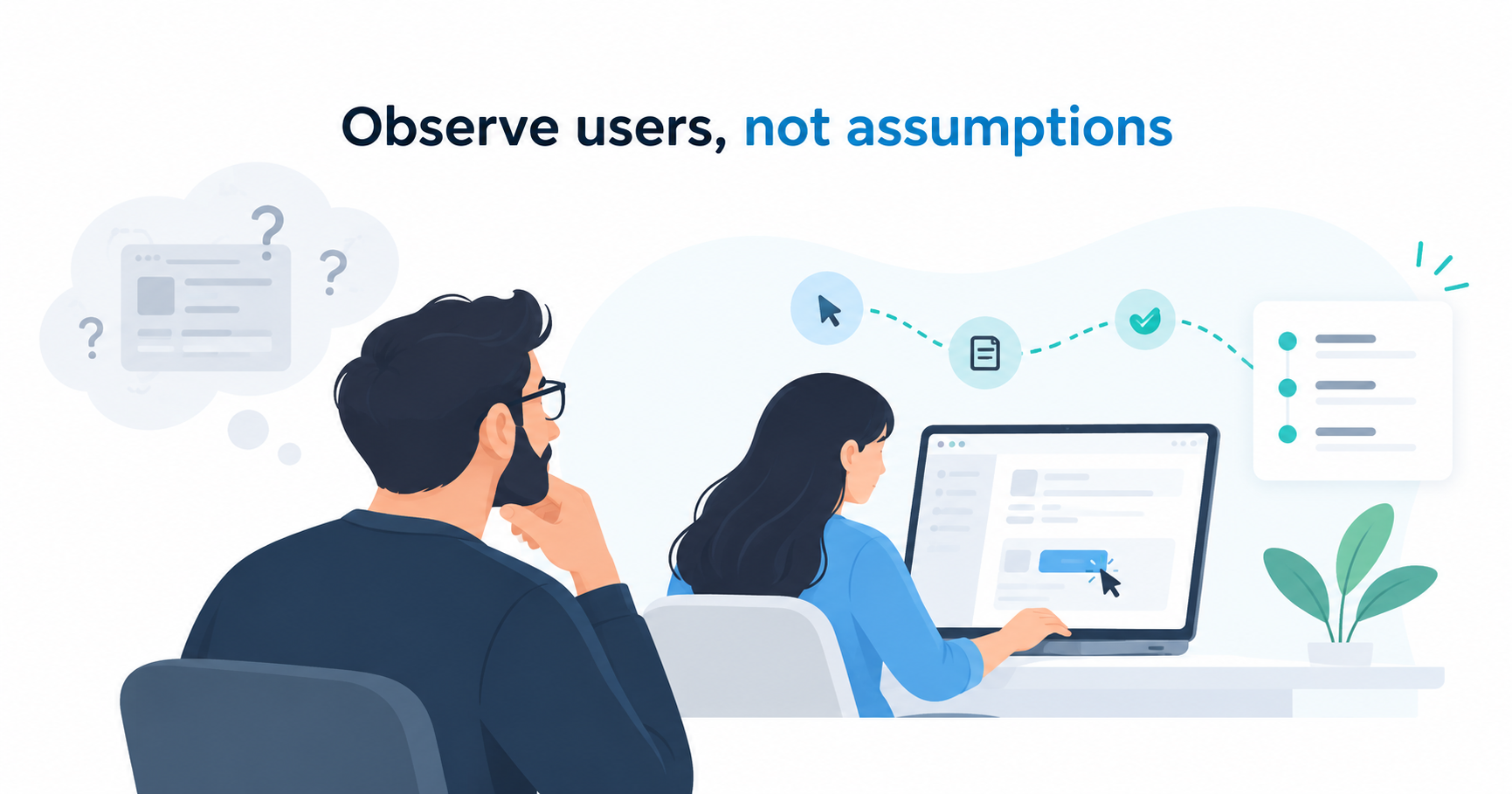
Developers often assume that users think and interact with software the same way they do. In reality, users have different experiences, habits, and expectations. Observing how people complete real tasks helps developers identify usability problems, challenge assumptions, and design software that better supports actual user needs.
Why Developers Often Misunderstand Users
We naturally assume that other people see the world as we do. In psychology, this tendency is called the false consensus effect.
In software development, this bias can lead to interfaces that seem intuitive to developers but confusing to users.
Developers spend considerable time working with computers. They recognize interface patterns, understand technical concepts, and know how to troubleshoot problems.
Most users do not have the same experience. They may not understand how software works internally, nor do they necessarily want to. Their main goal is simply to complete a task.
A button that seems obvious to a developer may be difficult for a user to recognize. When users struggle, the problem may not be their lack of knowledge, but an interface designed around developers' assumptions.
The key lesson is simple: You are not the user.
Observe What Users Actually Do
The most effective way to understand users is to observe them performing realistic tasks.
Suppose you are developing a spreadsheet application. Instead of instructing someone to "select a cell and enter a SUM formula," ask them to:
"Calculate how much money you spent last month."
The second request provides a goal without specifying how to achieve it. You can observe which features users choose, where they hesitate, and how they approach the task.
During an observation session, encourage users to explain what they are thinking. However, avoid interrupting or helping them too quickly.
When they struggle, ask yourself:
- Why did they choose this action?
- What did they expect to happen?
- Why did they overlook another option?
These moments reveal how users understand the interface and where its design may be failing.
The purpose is not to test the user's technical ability. It is to discover whether the software supports their natural way of working.
Four Important Lessons From User Observation
1. Users Often Make Similar Mistakes
When several users perform the same task, they frequently follow similar steps and encounter similar problems.
If multiple people overlook the same button or misunderstand the same instruction, the issue may lie in the interface rather than individual users.
This is why observing actual behavior is more valuable than relying solely on discussions about what users might do.
Instead of adding more features based on assumptions, developers should identify and address recurring difficulties.
2. Users Narrow Their Attention When They Get Stuck
Developers are accustomed to exploring different solutions when something goes wrong. Ordinary users may respond differently.
When users become confused, they often focus on the part of the screen where the problem occurred. This makes it harder to notice solutions elsewhere.
Therefore, guidance should appear where the problem happens.
For example, an error message displayed beside an incorrectly formatted input field is usually more helpful than instructions hidden in a separate help menu.
Contextual tooltips and inline guidance can make it easier for users to recover without interrupting their work.
3. Users Prefer Familiar Methods Over Efficient Ones
Developers appreciate shortcuts and efficient workflows. Users, however, usually care more about successfully completing their tasks.
Once users discover a method that works, they tend to continue using it, even when faster alternatives are available.
Someone might repeatedly navigate through menus instead of using a keyboard shortcut.
Rather than providing numerous advanced options, developers should prioritize one clear, discoverable way to complete each essential task.
Shortcuts can still benefit experienced users, but they should not replace an understandable basic workflow.
4. What Users Say May Differ From What They Do
User interviews and feature requests provide useful information, but they do not always reflect actual behavior.
Users may describe how they believe they work, while their real actions reveal different habits or difficulties.
For example, someone might request a new feature but rarely use it after implementation.
This does not mean developers should ignore user feedback. Instead, they should combine what users say with observations of what they actually do.
When words and actions differ, that gap is worth investigating.
Turning Observations Into Better Software
Observing users is valuable only when those findings influence design decisions.
| Observed behavior | Design implication |
|---|---|
| Users repeatedly make the same mistake | Reconsider the interaction design |
| Users cannot find a feature | Improve its visibility or labeling |
| Users get stuck on one part of the screen | Provide guidance at that location |
| Users rely on inefficient but familiar methods | Make the primary workflow simple |
| Users behave differently from what they describe | Validate requirements through observation |
These lessons also apply during requirements analysis and software development.
A feature may work exactly as specified but still be difficult to use. Technical correctness alone does not guarantee a good user experience.
For software development teams, including VAON, this principle highlights the importance of understanding how people perform their daily work, not just what functions a system must provide.
A useful question is:
"Can users complete their tasks without unnecessary confusion?"
Observing real interactions can help answer that question more reliably than assumptions alone.
Conclusion: Observe Before You Assume
Developers and users experience software differently. What seems obvious to a programmer may be unfamiliar to someone who simply wants to finish a task.
User observation helps reveal recurring mistakes, confusing interactions, and unexpected behavior.
Instead of spending an entire day discussing how users might behave, even an hour of watching them perform real tasks can provide valuable insights.
Good software is designed around how users actually behave, not how developers expect them to behave.
About This Series
97 Things Every Programmer Should Know explores practical lessons about software development, problem-solving, and professional growth.
This article is based on Chapter #03, “Ask, ‘What Would the User Do?’ (You Are Not the User)”, by Giles Colborne, from 97 Things Every Programmer Should Know, edited by Kevlin Henney.
The content has been adapted and organized for software development teams while preserving the original chapter's central message.
Learn more about VAON and our software development services.